


NexBlue Zen Pro (Current Sensor)
NexBlue Zen Pro brings energy management to commercial and multi-charger sites. It supports as many chargers as the site needs, with multi-level load management and load shedding. Dual Ethernet terminals and two external antennas connect it locally to NexBlue chargers via Wi-Fi, LAN or Nexus RF, with no smart meter needed. Select the MCB and CT clamp that fit each site.

What is included in the package?

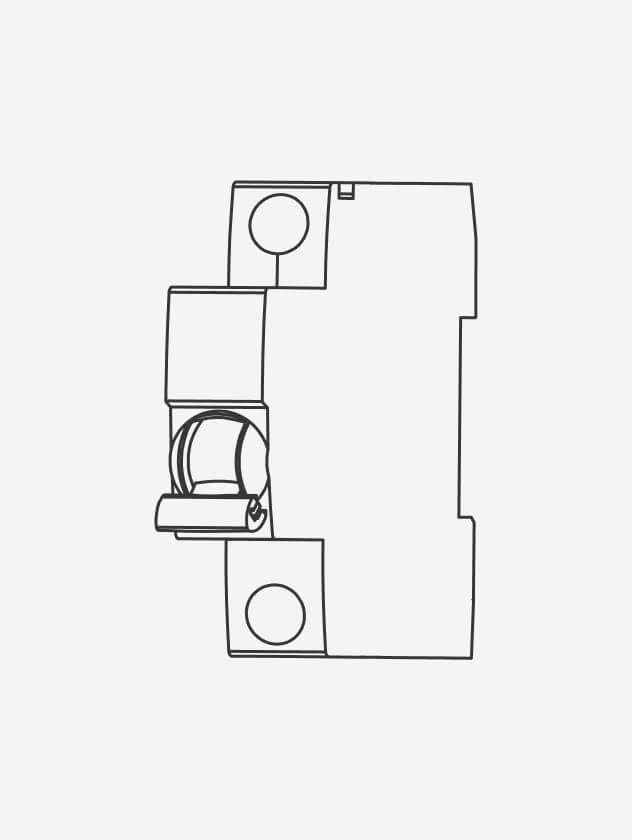
Not included, choose to fit your site
Choose the protection device and additional external current sensor that suit the installation, instead of using fixed components that may not be needed.
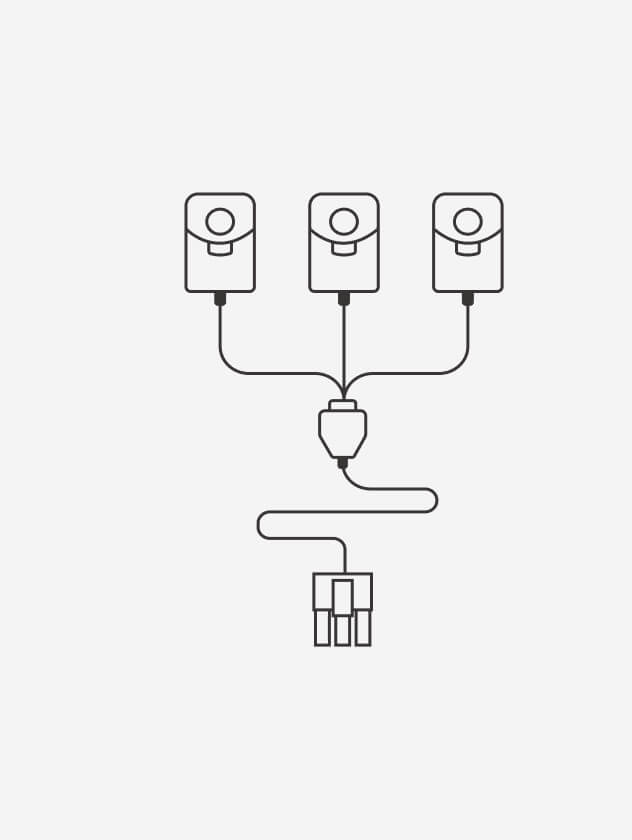

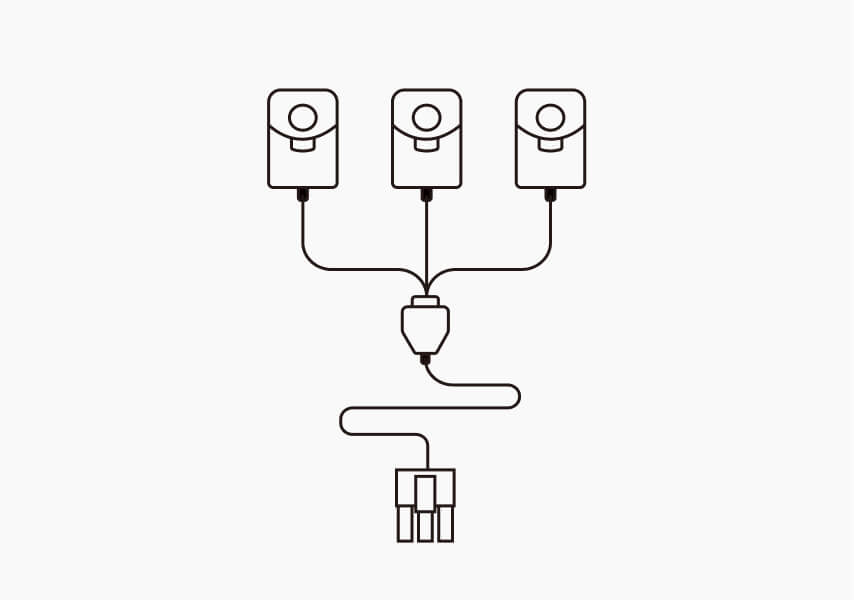
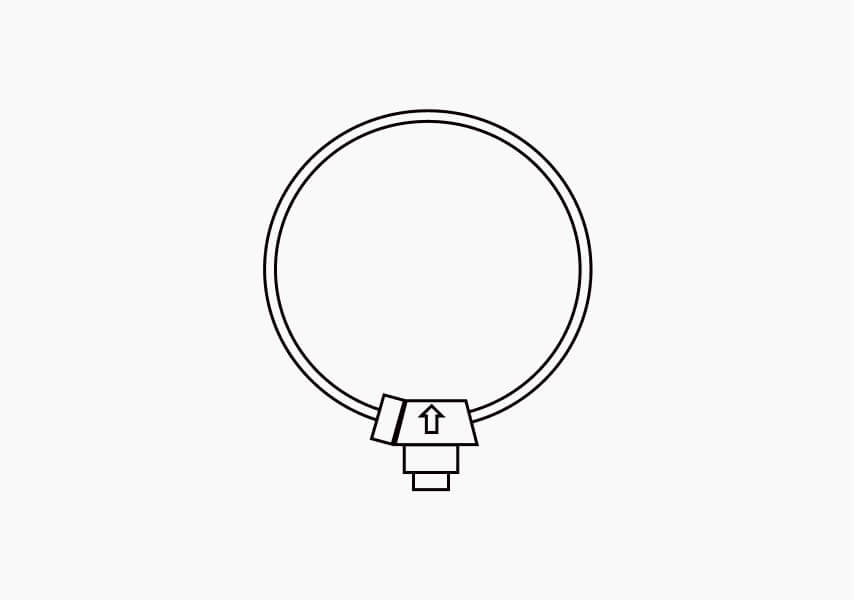
Optional
3-in-1 clamps or a Rogowski coil can be used for solar generation monitoring(not required for solar surplus charging).
Built for commercial and multi-charger sites
Popular science
Every site has a limited amount of power available. Dynamic load balancing measures how much electricity the site is using and adjusts EV charging accordingly. When other loads require more power, charging output can be reduced. When more power becomes available, charging can increase again. This helps protect the installation from overload while making effective use of the available capacity.
Commercial and multi-dwelling sites can distribute power across several levels or distribution boards. Multi-level load management coordinates the available capacity across these parts of the installation. This helps prevent one area from being overloaded while capacity remains available elsewhere.
Solar surplus charging uses available solar energy to charge your EV instead of sending the excess back to the grid. NexBlue Zen Pro can do this without extra hardware by working with your existing solar system. It automatically adjusts the charging current so the EV only uses the surplus power that would otherwise be exported.

The clear product design help electricians install NexBlue Zen Pro quickly.
No external power adapter is required.
Select a protection device that suits the site and local regulations. We recommend an MCB with a C-type trip curve (C6 or C10).
Connect wiring directly to the terminals without screws.
Use the 3-in-1 CT clamps for Dynamic Load Balancing.
Complete the wiring without opening the product.
Configure NexBlue Zen Pro and other NexBlue products in the NexBlue Partner App.
The clear product design help electricians install NexBlue Zen Pro quickly.
No external power adapter is required.
Select a protection device that suits the site and local regulations. We recommend an MCB with a C-type trip curve (C6 or C10).
Connect wiring directly to the terminals without screws.
Use the 3-in-1 CT clamps for Dynamic Load Balancing.
Complete the wiring without opening the product.
Configure NexBlue Zen Pro and other NexBlue products in the NexBlue Partner App.
Why NexBlue Zen Pro?

Multiple Chargers
Manage unlimited chargers across commercial and multi-charger sites.
Multi-Level Load Management
Coordinate available power across up to five levels of a site from one system.
Load Shedding
It reduces or emergency-stops selected loads when required to keep the whole installation within its available capacity — for example, a load balancer will temporarily pause or lower power on some EV chargers so the building’s main connection does not trip.

Flexible Connectivity
Connect through dual Ethernet ports with daisy-chaining, external Wi-Fi or RF antenna support, Nexus RF, Wi-Fi, Bluetooth or RS-485.Designed for crowded distribution boards and more demanding installation environments.

Cloud Services
Support inter-circuit load balancing at one location and store energy data over time.
Up to 1500 A
Use an optional Rogowski coil for higher current ranges.- CT clamps (optional): ± 0 – 300 A
- Rogowski coil (optional): ± 0 – 1500 A
Product support

Rogowski coil (optional): ± 0 – 1500 A
Wi Fi: 2.4 GHz 802.11b/g/n
Bluetooth: BLE 4.2
RS-485: TIA/EIA-485A
Ethernet: ISO/IEEE 802.3u


NexBlue commits a 3-year standard warranty* with defects in materials or workmanship of correctly installed NexBlue products to all end users. For Nexblue users, the warranty date should start at the date of installation. In case the product has not been installed, the warranty date starts from the 1 year after the date it has been purchased from the Authorized Dealer. Once the warranty has been claimed, the original warranty period will not be prolonged.
NexBlue does not hold any responsibility for any loss, expense, or harm that arises from the utilization or improper use of our hardware products.
NexBlue guarantees that its products, when delivered, will adhere to the necessary specifications. NexBlue shall not be responsible for a unit with the following defects, which will not be included in the warranty:
Misuse, including but not limited to
- Not using the product for its designed purpose or according to NexBlue's guidelines for proper usage and maintenance.
- Operating the product in a way that contradicts the technical or safety norms applicable in the country of use
Improper Installation, including but not limited to
- Installation, modification, or repair by unauthorized personnel or entities.
- Non-compliance with local or regional laws and the product's technical/safety standards for its intended market.
Incidents unrelated to NexBlue products
- Such as, but not limited to, lightning, flood damage, fire, earthquakes, grid system defects, other devices' defects, etc.
For a valid warranty claim with NexBlue, it is mandatory to provide the original invoice or sales receipt showing the dealer's name, purchase date, and price amount. Incomplete or unauthorized versions of this document will not be eligible for a complimentary warranty service.
Troubleshooting Resolution Process for NexBlue Products
- NexBlue provides swift and complimentary assistance to its partners. Send us an email at support@nexblue.com and you will receive faster response within 3 business days.
- Or as standard practice, you can also approach NexBlue partners who are expected to be the primary point of contact and provide initial support directly to users. In instances where issues are beyond the resolution capacity of NexBlue partners, the NexBlue support team will step in to offer dedicated and comprehensive support.
Hardware Issue Resolution Process for NexBlue Products
- Send us an email at support@nexblue.com and you will receive faster response within 3 business days.
- Or contact the installer or authorized dealer from whom you purchased the NexBlue product to initiate a warranty claim.
- The NexBlue partner must verify that the unit is safely powered and operational, and then contact the NexBlue support team for an initial remote diagnosis.
- In cases where remote resolution is not possible, NexBlue will arrange an on-site intervention to address the issue.
- Should hardware replacement be required, NexBlue will dispatch the replacement unit to the authorized dealer. The defective hardware must be sent back to NexBlue, utilizing the provided prepaid return shipping label.
Yes! The NexBlue Zen Pro communicates with our NexBlue chargers using a local radio frequency, which we call it Nexus RF. It will continue to function even when not connected to the network via Wi-Fi or Ethernet. However, we always recommend connecting the NexBlue Zen Pro to the network so that you can remotely monitor the status and access energy statistics on the go.
In extreme conditions where NexBlue chargers don't receive signals from NexBlue Zen Pro for more than 3 minutes, it is necessary to implement a lower charging current for safe charging. Charging will return to normal once the chargers reconnect with NexBlue Zen Pro.
You can adjust the Fallback current accordingly in the Settings of NexBlue Zen Pro.
No, Zen Pro does not require additional accessory for Solar Surplus Charging, the additional 3-1 CT clamp or Rogowski Coil is just for Solar generation monitoring.